Shoppable Video on PrestaShop: The Complete 2026 Guide
More and more ecommerce brands are bringing shoppable video into the online shopping journey.
That shift reflects the way consumers increasingly discover and buy products. In 2026, 85% of consumers say they have purchased a product or service after watching a video, while 63% say short-form video is their preferred way to learn about a product or service.
Yet most video commerce platforms are still primarily built with Shopify in mind. PrestaShop merchants have fewer options to choose from. The good news is that you can add shoppable video to a PrestaShop store without migrating to another ecommerce platform.
In this guide, we'll look at how to choose and integrate a shoppable video solution for PrestaShop, which formats work best and which KPIs you should track.

Why add shoppable video to PrestaShop in 2026?
Product images, descriptions, customer reviews, sizing guides: product pages already have a lot of information to convey.
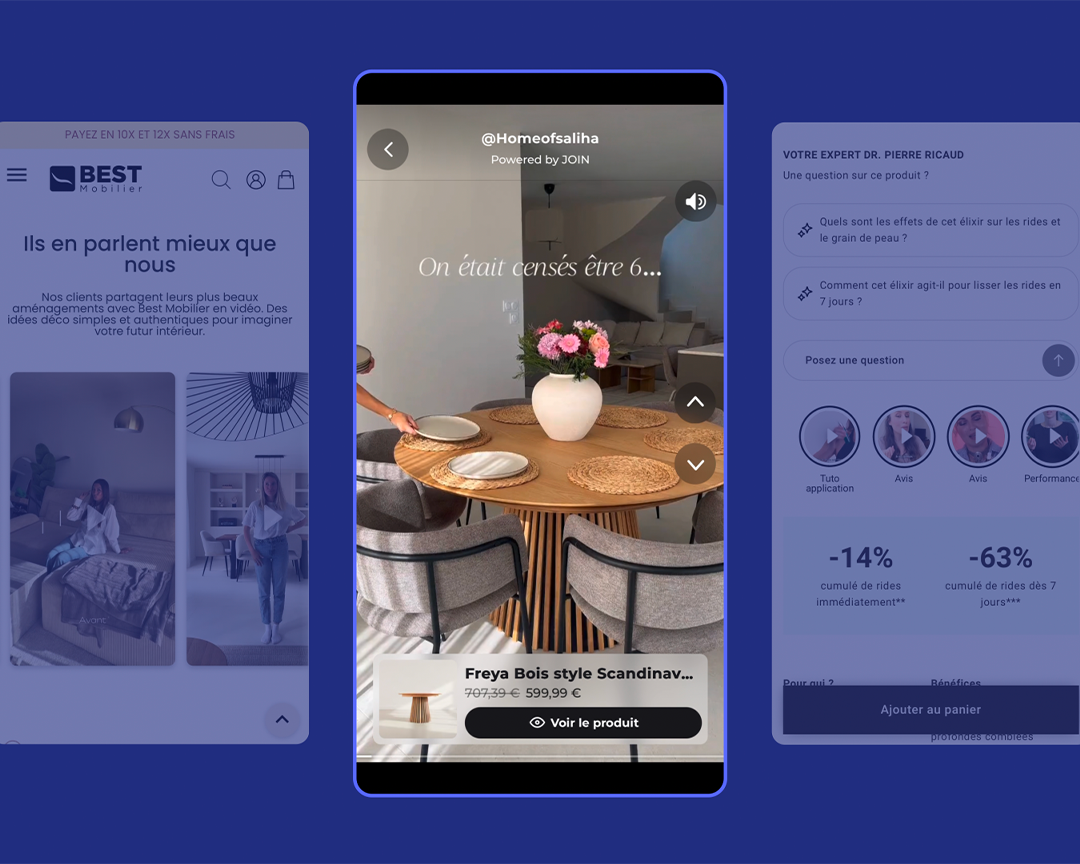
Video adds something these formats struggle to replicate: the ability to see a product in action. Think a pair of shoes being worn, a sofa viewed from different angles or a skincare product being applied.
It brings the online experience closer to the kind of product demonstration shoppers would get in store.
And the impact goes beyond engagement.
According to JOIN's State of Video Commerce 2026, based on an analysis of more than 1.8 billion ecommerce sessions, visitors exposed to shoppable video show, on average:
- 3.8% more add-to-carts
- 6.1% higher conversion
- 6.7% higher revenue per visitor
- 4.6% longer sessions
The strongest-performing brands see substantially higher gains. Among the top 10%, conversion lift reaches 17.7%, compared with 6.1% on average
So the goal isn't simply to add product videos to your PrestaShop store. It's about putting the right video in the right place, using the right content and format.
What types of shoppable video should you add?
There’s no one-size-fits-all shoppable video format for PrestaShop. The best option depends on where the video appears and what you want it to achieve.
1. Video on product pages
Product pages are usually the best place to start.
Video can show a product in action, answer common questions or provide additional reassurance when a shopper is close to making a purchase.
Some particularly effective formats include:
- product demonstrations;
- tutorials and how-to videos;
- customer or creator UGC;
- video reviews;
- unboxings;
- feature and product detail videos.
A beauty brand might show how to apply a serum, for example. A fashion retailer could demonstrate several ways to style the same item.
Products featured in the video can then be linked directly to the content, making it easier for shoppers to move from discovery to purchase.
2. Video carousels on category pages
Video can also play a role earlier in the customer journey.
On category pages, a video carousel lets shoppers discover multiple products or pieces of content without having to open each individual product page.
This works particularly well for highly visual categories such as fashion, beauty, homeware, sports and accessories.
Here, the objective is less about closing the sale immediately and more about inspiring shoppers, helping them discover products and guiding them towards the items that catch their attention.
3. Shoppable video on the homepage
Homepages are particularly well suited to editorial and inspirational content.
Shoppable video can be used to highlight:
- a new collection;
- bestsellers;
- a campaign;
- seasonal products;
- a promotion.
Floating video formats and video banners can give this content strong visibility without requiring you to redesign your entire homepage.
4. Video across other customer touchpoints
Video commerce doesn't have to stop at your website.
The same content library can also be used across email, mobile apps and selected landing pages.
This helps you get more value from every piece of content you create while delivering a more consistent experience throughout the customer journey.
How to choose a shoppable video platform for PrestaShop
For PrestaShop merchants, there are four key criteria to consider.
1. Check PrestaShop compatibility
First, find out exactly how the platform connects to your store.
Ideally, you want a dedicated module or lightweight integration that can connect your product catalogue and display videos without requiring major changes to your site's architecture.
JOIN supports PrestaShop, Shopify, Magento, Salesforce Commerce Cloud and custom ecommerce platforms.
This multi-CMS approach can be particularly valuable for larger businesses running several stores or ecommerce stacks.
2. Look at how easy it is to install and manage
A shoppable video solution should be straightforward to set up and easy to manage day to day.
Look at:
- how long installation takes;
- whether developer support is required;
- how easy it is to publish a new widget;
- how products are synced;
- whether placements can be changed without technical support.
With the JOIN module for PrestaShop, installation is handled directly from the back office. Your catalogue, tracking and JOIN script can be configured in just a few minutes, without editing your theme code.
3. Check the analytics
A video commerce platform should connect video engagement with the ecommerce metrics that matter: clicks, add-to-carts, conversions and revenue.
That's what allows you to answer the questions that actually matter:
Which content converts best? Which placements perform well? Which products would benefit from more video content?
4. Compare pricing models
Finally, look at how each platform charges: by video views, traffic, features, number of videos or a monthly subscription.
The right model will largely depend on your store's traffic and how widely you plan to roll out video across the customer journey.
For a broader comparison of the options available, read our guide to the best shoppable video platforms.
What's the best shoppable video solution for PrestaShop?
There are plenty of video commerce platforms on the market, but several of the biggest players, including VideoWise, Tolstoy and Bambuser, remain heavily focused on Shopify.
For PrestaShop stores, JOIN is one of the options worth considering, thanks to its multi-CMS compatibility and dedicated PrestaShop module.
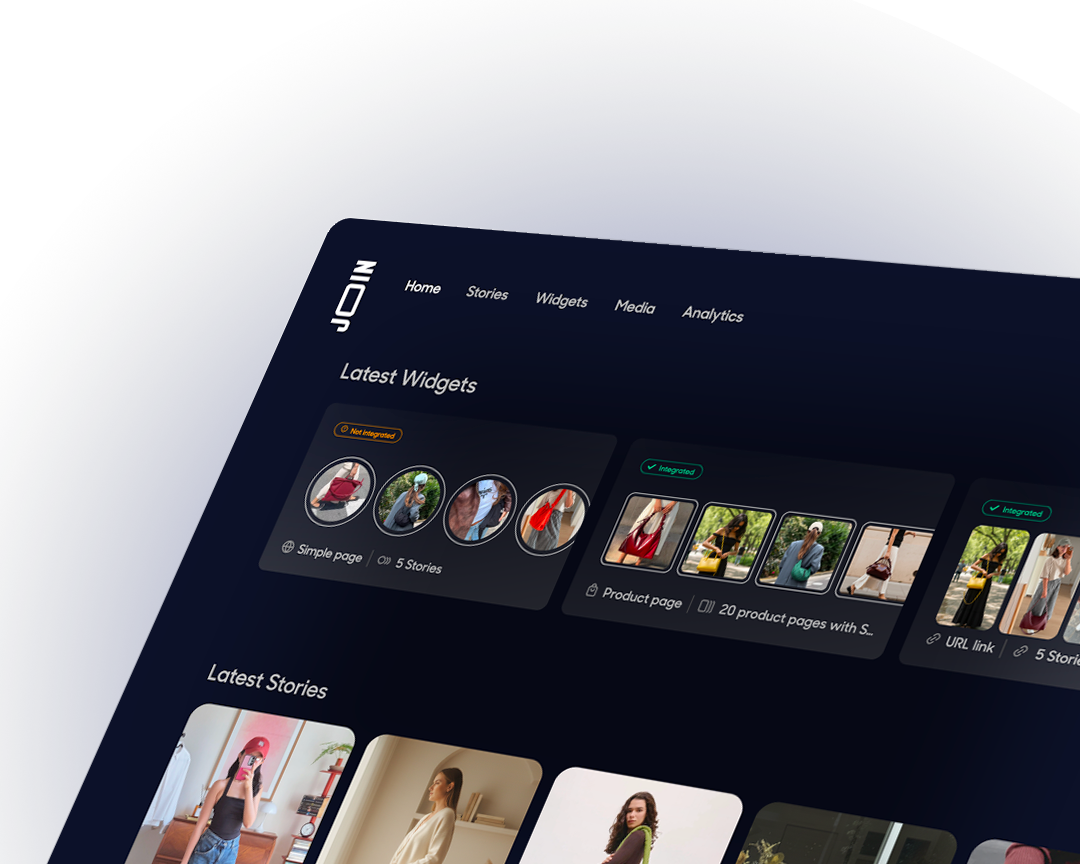
The platform lets brands publish shoppable videos across product pages, category pages and homepages, track their performance and repurpose existing content from Instagram or TikTok.
JOIN is already used by several brands running on PrestaShop, including Payot, Malongo, Lemahieu, Caves Carrière, Fraise Nail Shop, NatureAvignon, and more.

How to integrate JOIN with PrestaShop
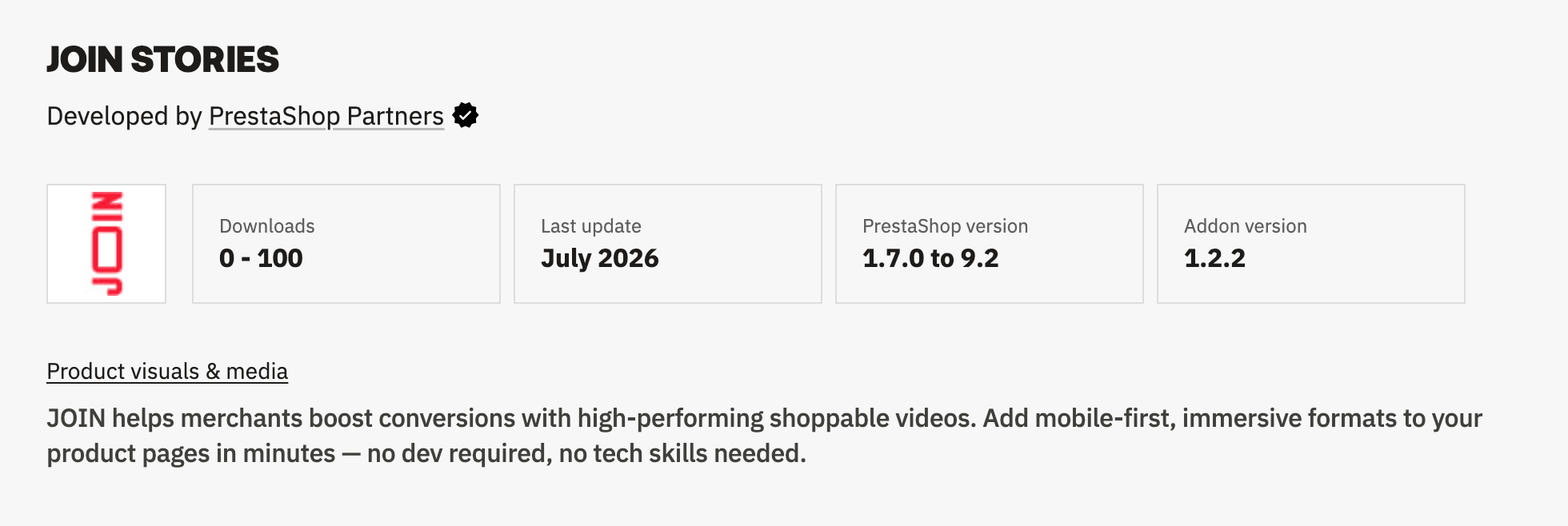
JOIN offers a dedicated PrestaShop module compatible with versions 1.7.0 to 9.2. It connects your store to JOIN Studio and automates much of the setup process.
Step 1: Install the JOIN module on PrestaShop
From your PrestaShop back office, install the JOIN Stories module available through PrestaShop Addons.
Then open Settings → Integration in JOIN Studio to retrieve your JOIN ID and enter it in the PrestaShop module settings.
Step 2: Enable the script and tracking
Once you've entered your JOIN ID, the module lets you enable:
- the global JOIN script;
- conversion tracking;
- add-to-cart tracking;
- add-to-cart functionality directly from Stories.
These settings are enabled by default, so there's no need to copy and paste scripts into your PrestaShop theme.
Step 3: Connect your product catalogue to JOIN Studio
The module generates a feed URL containing your product catalogue. You can then click Open in JOIN Studio to start connecting it.
JOIN will guide you through the feed setup, including the catalogue name, currency, market and mapping between your PrestaShop data and JOIN fields.
Once the first sync is complete, your products will be available directly in JOIN Studio.
Step 4: Create and embed your first widget
You can now create your first Stories and link them to the relevant products.
The module doesn't automatically place the widget on your product pages, so adding the placement to your PrestaShop template remains a manual step. Once the widget has been added, its content can be managed directly from JOIN Studio.
A good way to start is to choose a handful of high-traffic product pages. This gives you enough data to assess initial performance before rolling video out more widely.
Step 5: Publish and test
Once your widget is live, check how it displays on both desktop and mobile, and test the full customer journey: playing the video, interacting with the featured product and adding it to the basket.
Because tracking is built into the module, you'll then be able to monitor video performance directly from JOIN.
Setup time: just a few minutes to connect your PrestaShop store to JOIN Studio using the dedicated module.
How to optimise shoppable video
Design for mobile first
This one is hard to ignore: 73.3% of video views in JOIN's dataset happen on mobile.
Vertical 9:16 video is therefore particularly well suited to today's viewing habits. It also mirrors the formats shoppers are already familiar with on TikTok, Instagram and YouTube Shorts.
Always test the full experience on a smartphone before publishing.
Put video close to the buying decision
On a product page, video should be easy to find.
Consider placing it near your product imagery or CTA rather than burying it at the bottom of the page.
NUXE, for example, positioned its Web Stories close to the call to action to provide additional reassurance at the point of purchase.
Repurpose your best social content
You don't need to shoot an entirely new campaign to start testing video commerce on PrestaShop.
Existing UGC, Reels, tutorials and influencer content are all great places to start.
Emma achieved a 19% uplift in mobile conversion using Web Stories built around UGC that showed its products in real-life settings.
How to measure the impact of video on PrestaShop
Once your first videos are live, focus on a small set of KPIs.
→ Completion rate. This tells you how many viewers watch your videos through to the end. Across JOIN's dataset, the average is 56.3%.
→ Click-through rate. This shows how effectively your videos encourage viewers to take the next step.
→ Add-to-cart rate. This helps you understand whether video engagement translates into purchase intent.
→ Conversion rate. Where your platform supports A/B testing, compare the performance of visitors exposed to the video experience with a control group.
→ Revenue per visitor. This is one of the most useful metrics for understanding video's actual contribution to ecommerce performance.
FAQ
Can you add shoppable video to PrestaShop without a developer?
Yes. Some platforms offer lightweight PrestaShop integrations that let you add shoppable video and then manage your content and widgets through their own interface. However, the exact setup will depend on the platform you choose and how your PrestaShop store is configured.
What's the best shoppable video platform for PrestaShop?
Look for a platform with full PrestaShop support, multiple video formats and analytics that can measure the impact of video on conversion. JOIN supports PrestaShop alongside several other ecommerce platforms.
Does shoppable video slow down a PrestaShop website?
It depends on the technology used. JOIN, for example, loads its script asynchronously and loads videos on demand to minimise the impact on site performance.
Can you add video to a PrestaShop product page?
Yes. You can embed product demonstrations, UGC, tutorials and video reviews directly on PrestaShop product pages using a compatible video widget.
Do video commerce platforms work with both PrestaShop and Shopify?
It depends on the platform. Some focus primarily on Shopify, while others support multiple CMSs. JOIN works with Shopify, PrestaShop, Magento, Salesforce Commerce Cloud and other ecommerce architectures.
How much does shoppable video for PrestaShop cost?
Pricing varies depending on the platform, traffic levels, number of video views and features you use. When comparing platforms, look beyond the monthly fee and consider analytics capabilities, customisation options and the level of support included.
How do you measure the impact of video on a PrestaShop store?
Focus on completion rate, clicks, add-to-carts, conversion rate and revenue per visitor. Where possible, use A/B testing to compare performance between visitors who are and aren't exposed to video.
Does JOIN work with PrestaShop 8?
Yes. The JOIN module for PrestaShop supports versions 1.7.0 to 9.2, including PrestaShop 8.
{{cta}}
.png)